Higher project value
Add lighting scenes, effects, and control that the customer can clearly see and appreciate.
Spectoda helps you offer lighting control, digital LED installations, and interactive lighting scenes. The system can be fully wireless, wired, or hybrid, depending on what the project needs.
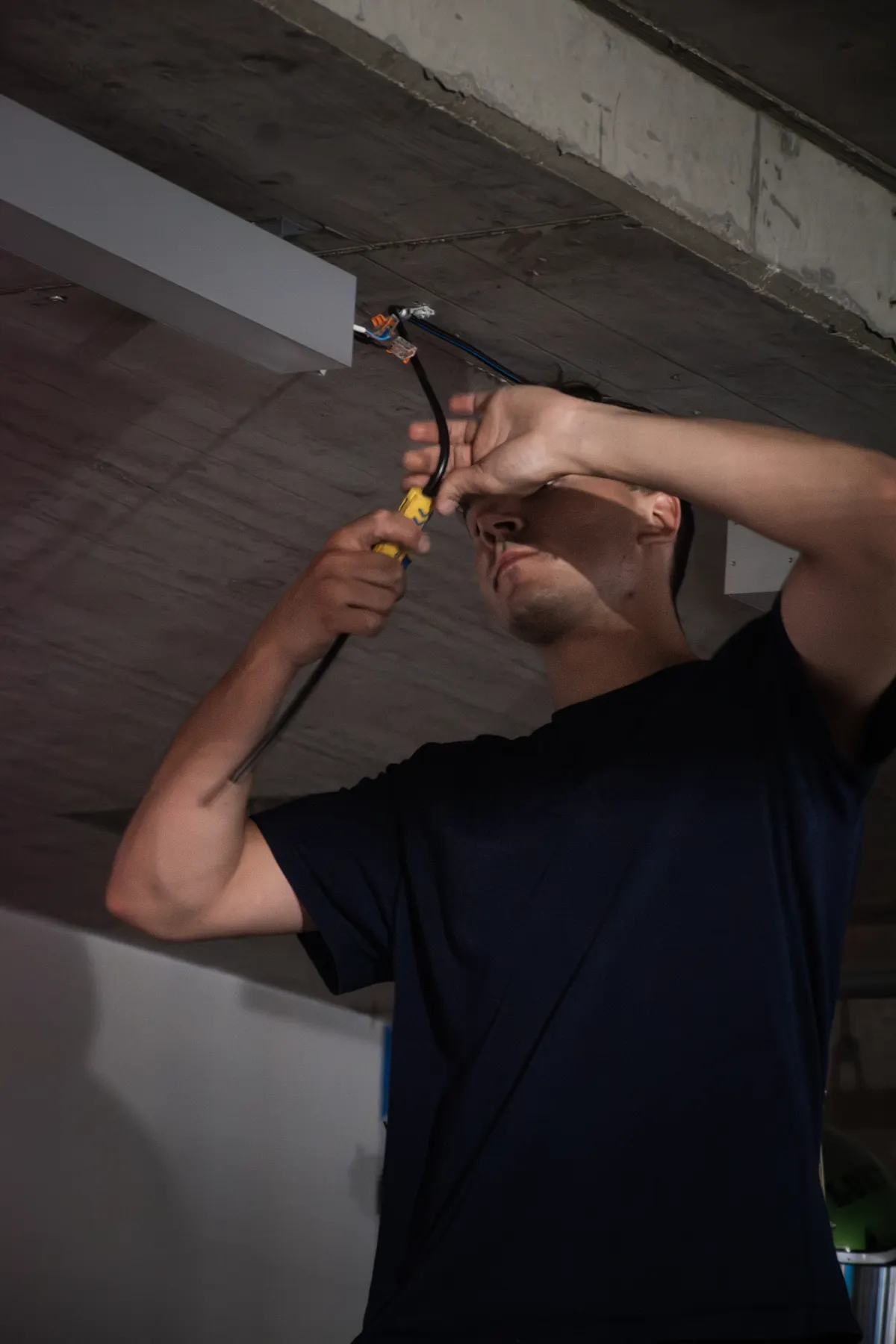
Customers often want more than a switch and a light. They want atmosphere, scenes, colour, automation, and control they can understand. For installation companies, this is a practical way to raise the value of a standard project.
Add lighting scenes, effects, and control that the customer can clearly see and appreciate.
Digital LED, RGB scenes, and interactive lighting help your proposal stand out.
We help with solution design, component selection, setup, and practical installation questions.
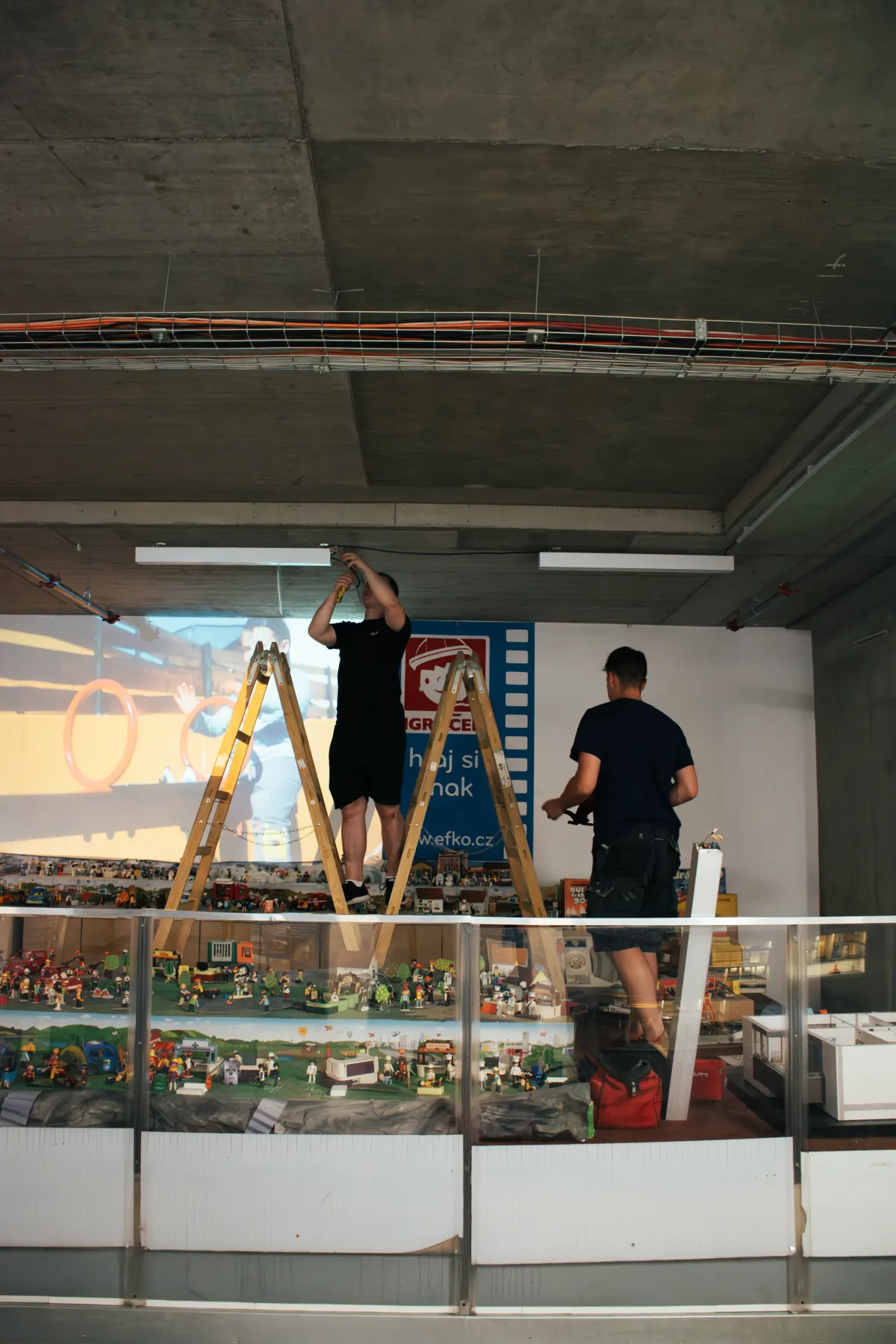
You do not have to figure it out alone. For first projects, we help choose the right use case, suggest the wiring and walk through the setup so the installation and Spectoda Studio are both clear.
We choose a part of the project where Spectoda brings visible value while staying technically clear.
We recommend products, the control approach, and the right wireless, wired, or hybrid variant.
We show Studio configuration, scenes, element mapping, and the handover for later management.
Spectoda is designed to adapt to the project, not the other way around. It can control digital LED strips, RGB/RGBW lights, DALI luminaires, DMX elements, and custom lighting installations.
The exact setup depends on the project. The principle is simple: choose the right controller, connect the light source, and define the control method.
The device controlling DALI, digital LED, DMX, or inputs depending on the installation type.
LED strip, DALI luminaire, DMX element, or a custom lighting part of the project.
App, switch, sensor, automation, or scene prepared for daily operation.
Gateway and remote management where later service or adjustments make sense.
Some projects work best fully wirelessly. Others should stay wired. Often, the best answer is a hybrid approach where part of the system runs over cables and part communicates wirelessly.
For retrofits, finished interiors, and projects where new cabling would slow down delivery.
For projects where cabling is already planned and fixed infrastructure makes sense.
For mixed new and existing installations, commercial spaces, and gradual expansion.
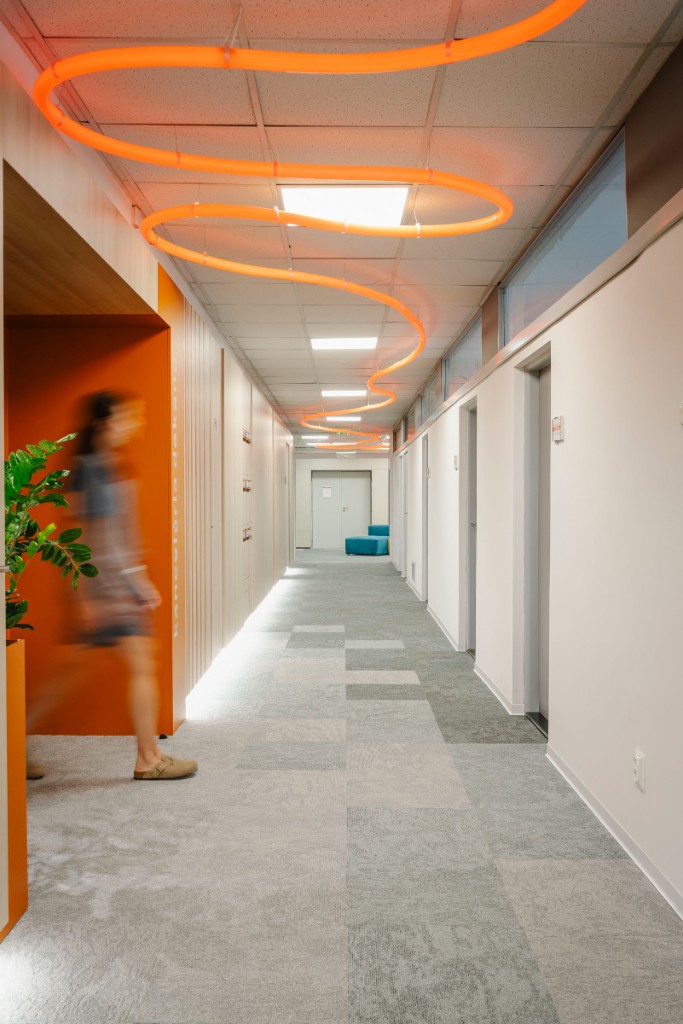
Scenes for kitchens, living rooms, staircases, bathrooms, wellness areas, and terraces.
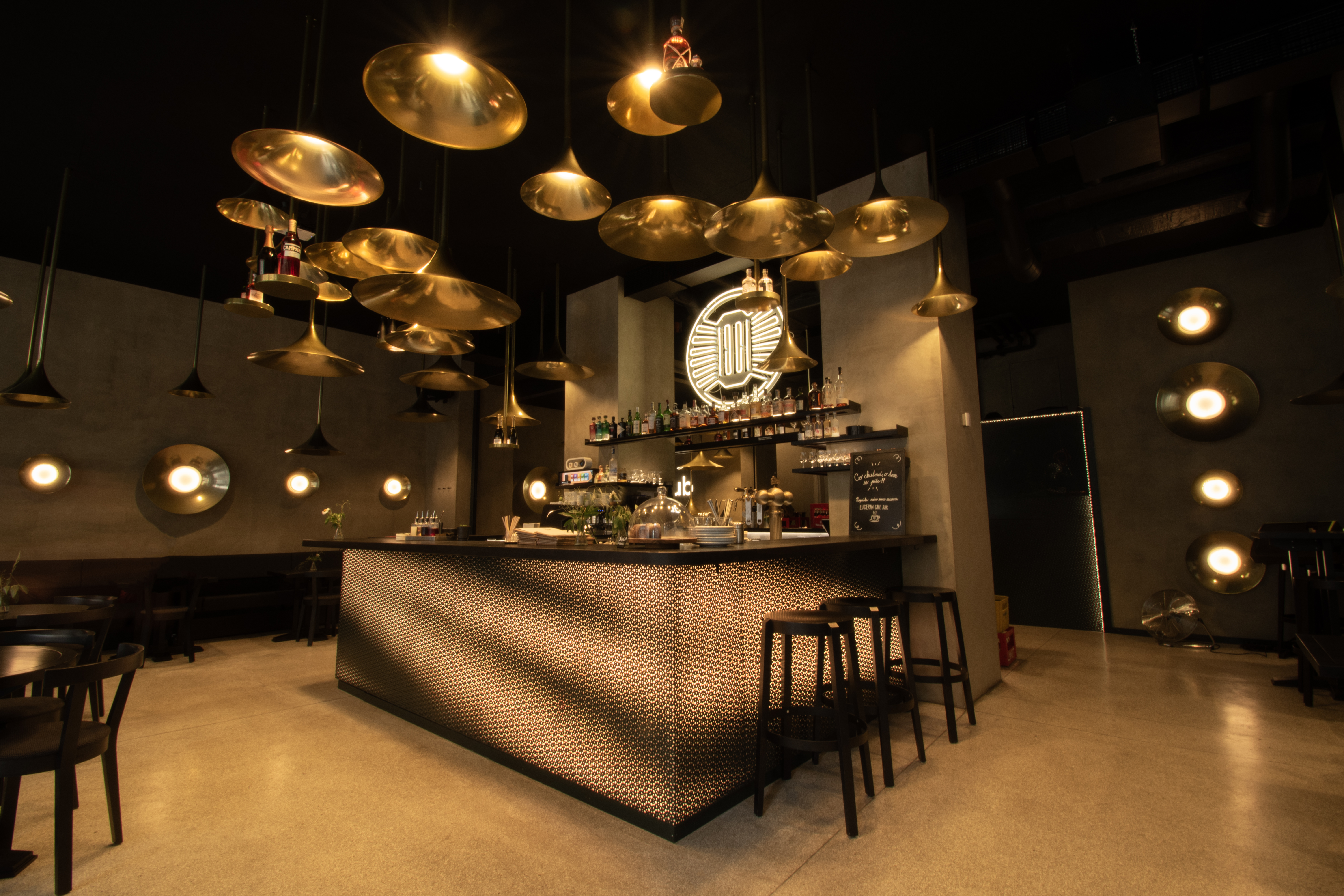
Restaurants, showrooms, receptions, bars, and offices where lighting shapes the atmosphere.
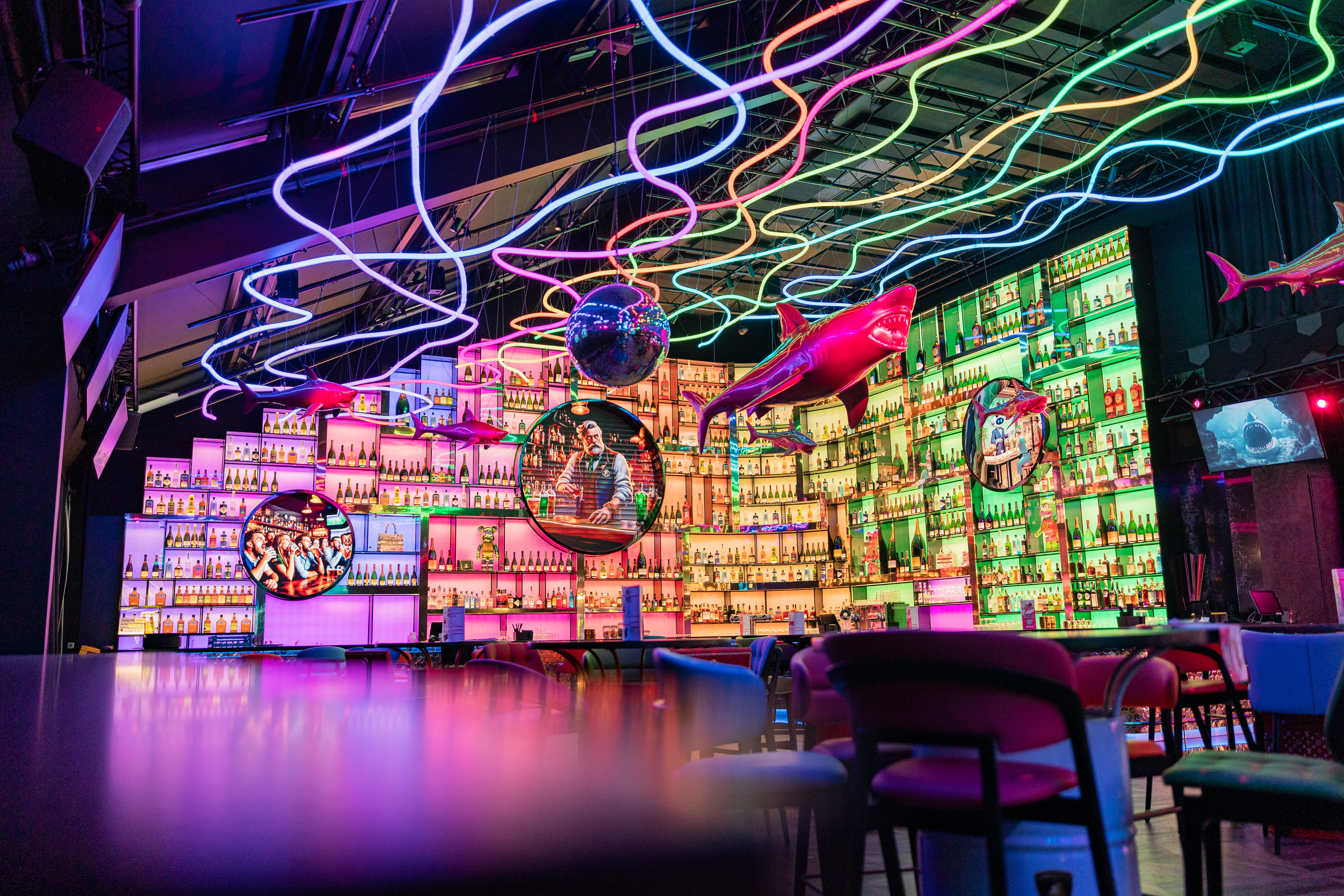
Lighting objects, events, interactive elements, and installations where standard systems are not enough.
Spectoda Studio is used to configure light behaviour, scenes, and installation logic. In the demo, we show how it supports design, commissioning, and later management.
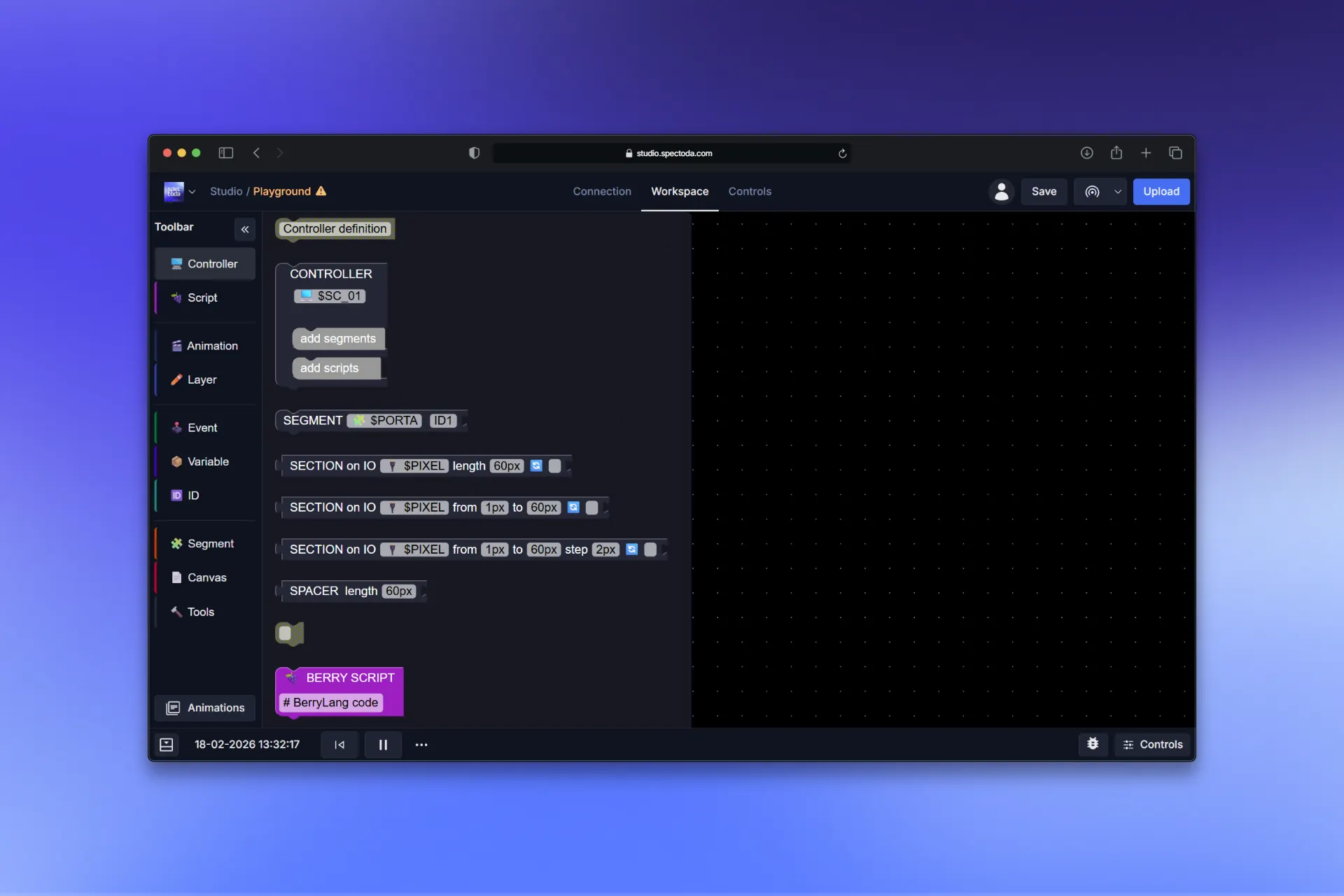
Spectoda is not only an app. The portfolio includes controllers, sensors, gateways, and interfaces for digital LED strips, DALI, DMX, wall-switch inputs, and remote installation management.
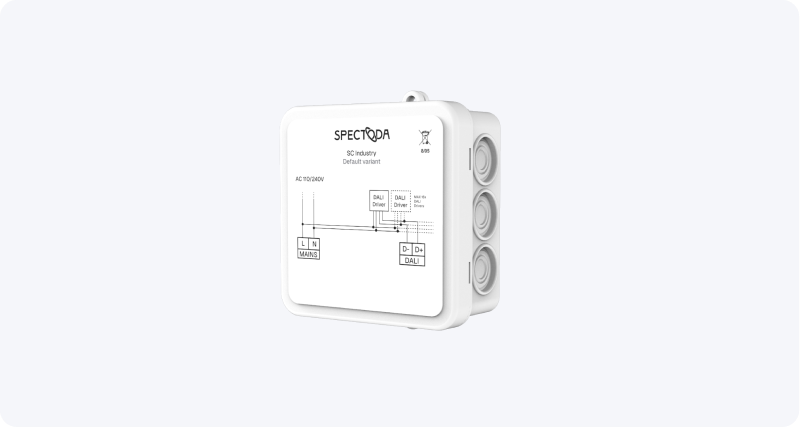
DALI luminaire control and more demanding installations.
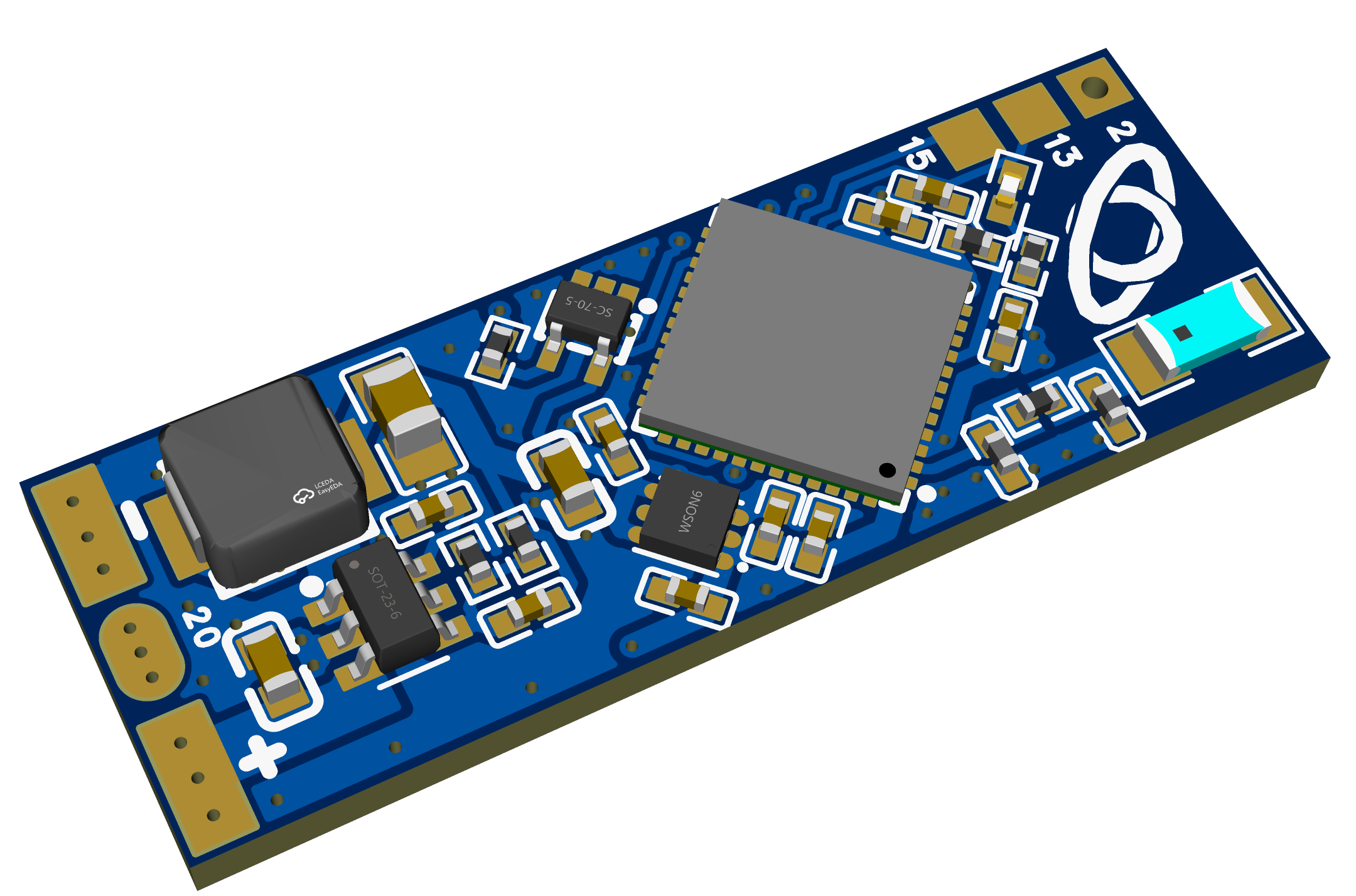
Digital LED strip and addressable installation control.
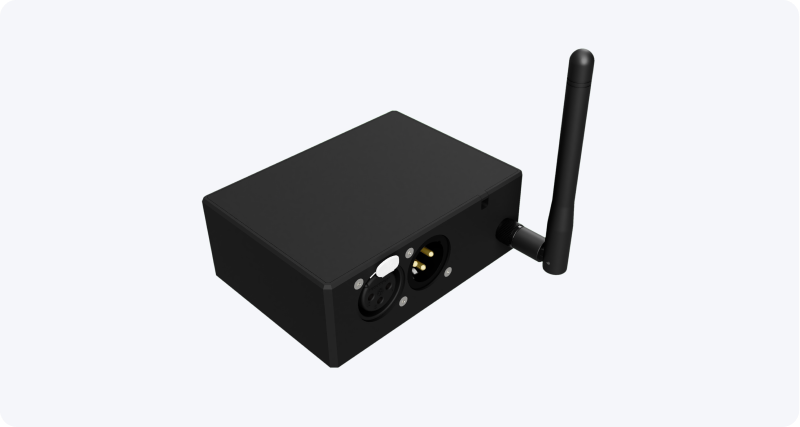
Connection to DMX elements and lighting effects.
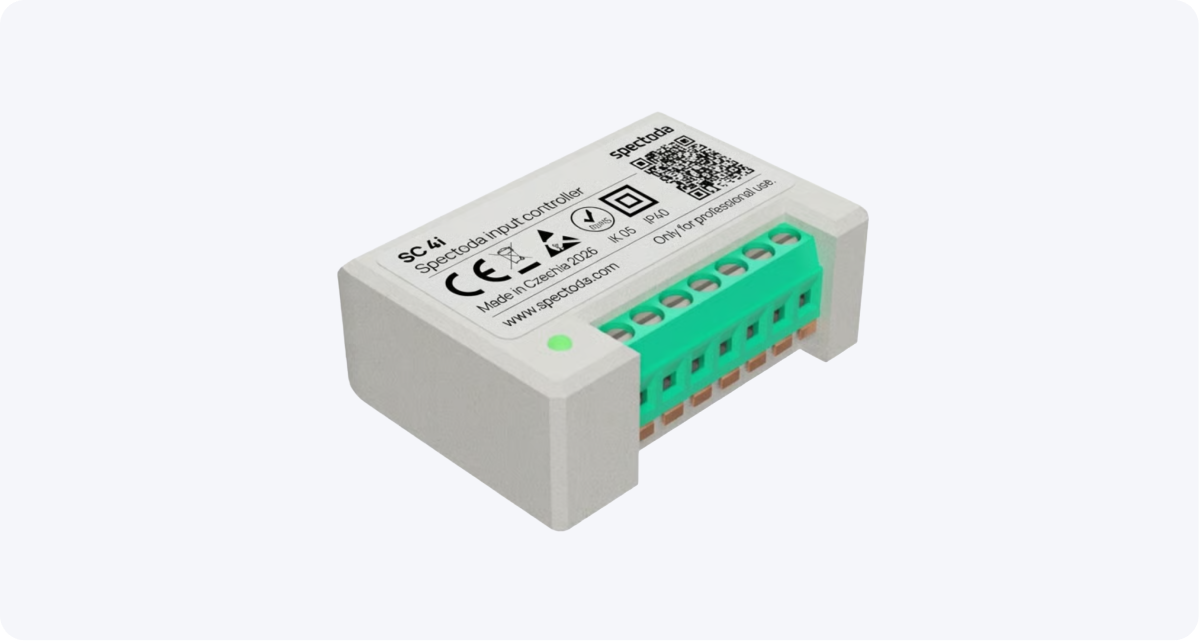
Wall-switch inputs for standard electrical installations.
We show you the system, Spectoda Studio, and typical scenarios for installation companies.
We look at where Spectoda fits: homes, commercial spaces, LED profiles, showrooms, or custom installations.
We pick a simple pilot where you can try the technology safely.
For first installations, we guide you through design, configuration, and practical setup.
No. Spectoda can work as a standalone solution or as an addition for parts of the project where wireless control, digital LED, DALI, DMX, or scenes make sense.
Yes. Smaller companies and specialists often need a practical way to offer more value without building a large integration team.
The goal is practical setup. More advanced scenes are configured in Spectoda Studio, and we support you during the first projects.
Book a one-hour demo. We will show you the system, product options, and a practical way to expand your portfolio with smart lighting installations.
Book a demo